Login and account access at allspins casino

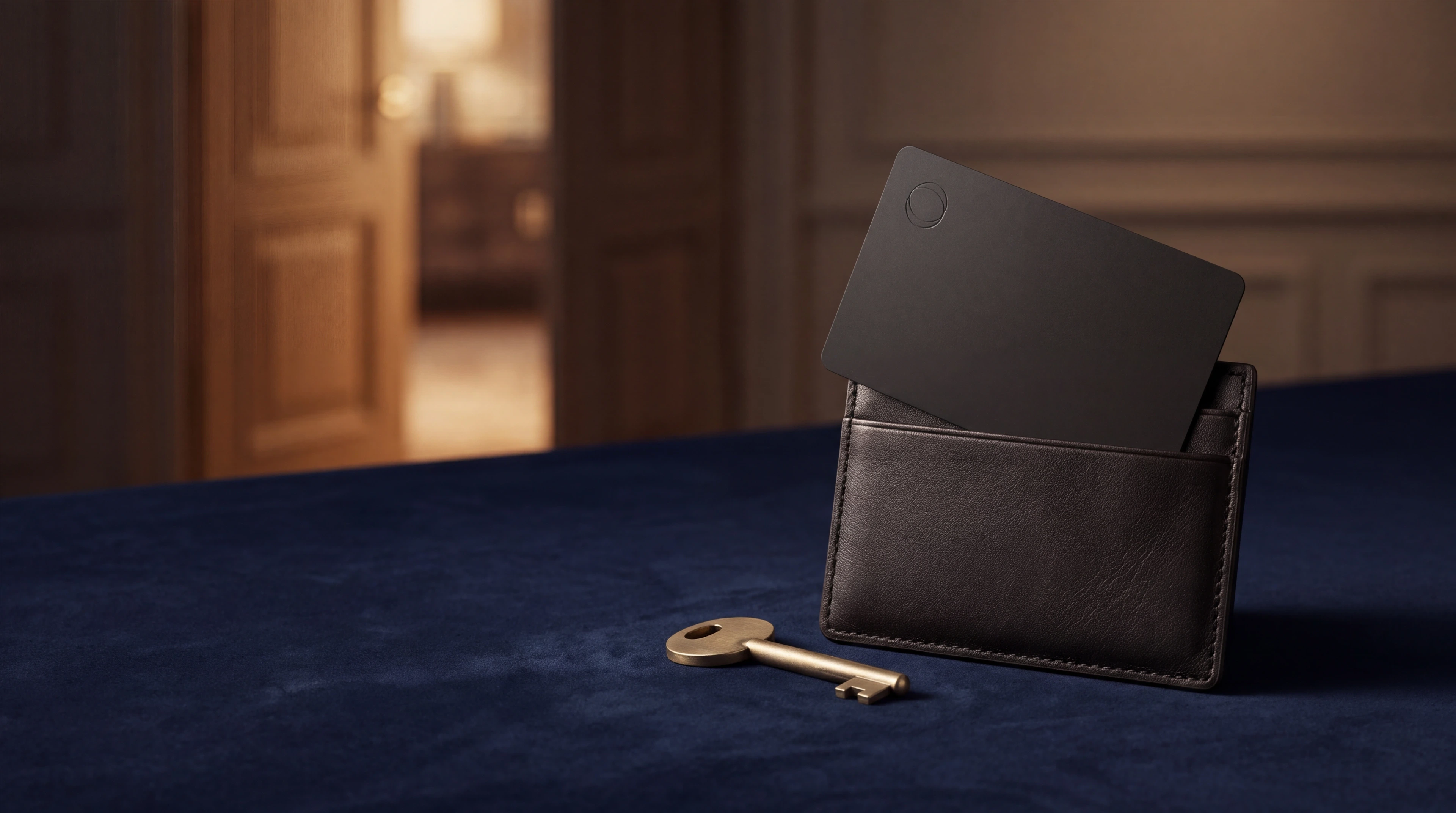
Matte-black access card and brass key beside a leather cardholder.

Securing your allspins casino account begins with logging in safely. Here you will find instructions for setting a strong password, recovering lost login details and resolving common access problems. 18+

Log in

Account lockout and recovery

If you enter an incorrect password multiple times in a row, a platform may temporarily block access. Follow the instructions on the login page or use the recovery option if available. If your account is unexpectedly locked or you cannot log in, use a verified support channel of allspins casino to ask which recovery steps are possible.

Secure login

Choose a strong password when you create an account. Combine uppercase letters, lowercase letters, numbers and special characters to prevent unauthorised access. Keep your login details confidential. Never share your password with anyone, even someone who claims to work for allspins casino support. If you log in on a shared or public computer, always log out when you are finished. This prevents others from accessing your account.

Forgotten password

Look for the option « Forgotten password » on the login page. If recovery by email is offered, follow the instructions in the recovery message. Check your inbox and also your spam folder if you do not see the message straight away. Only use a recovery link that you have requested yourself. Request a new link if the old one has expired. Set a new, strong password that differs from previous passwords. Complete the process by logging in with your new password.

Two-factor authentication and account security

Enable two-factor authentication if this option is available. Only follow a request to verify your email address or phone number from within a verified account environment. Check your account settings regularly for unexpected changes. Change your password if you suspect misuse and remove devices you no longer use if your settings allow this.

What you should know about account access

  • Never share your password via email, chat or phone.
  • Use the verified website of the operator and always check the URL in your browser address bar.
  • If you receive a suspicious email claiming to be from allspins casino, report it to support immediately.
  • Make sure your computer has up-to-date security software and run regular antivirus scans.
  • Protect your login details as well as you protect your banking details.

Mobile app access

Check the verified website of allspins casino to see which options are available for mobile login. Depending on the platform, this can be via the browser or an app. If an app is available, download it only from the official source mentioned by the operator. Check the source before entering your login details.

FAQ

Can I change my email address after I have created my account?

This depends on the settings of allspins casino. Contact support for help changing your email address.

How long is my password recovery link valid for?

Recovery links generally have a limited validity period for security reasons. If your link has expired, request a new email message.

What should I do if I do not receive a password recovery email?

Check your spam folder and verify that you entered the correct email address. If you still do not receive the recovery message, use a verified support channel.

Can I take over someone else's account?

Only manage your own account. Do not share your login details and do not use anyone else's account.

Is allspins casino safe for logging in on public WiFi?

Public WiFi networks are less secure. Use a trusted private network where possible and avoid managing money on public WiFi.

Responsible Gambling